 Unwhim
Quick checks become lost time
“Just checking” turns into another feed, another reel, and another twenty minutes gone.
Do what you planned. Not what your phone wants.
 Start your first focus session with Unwhim.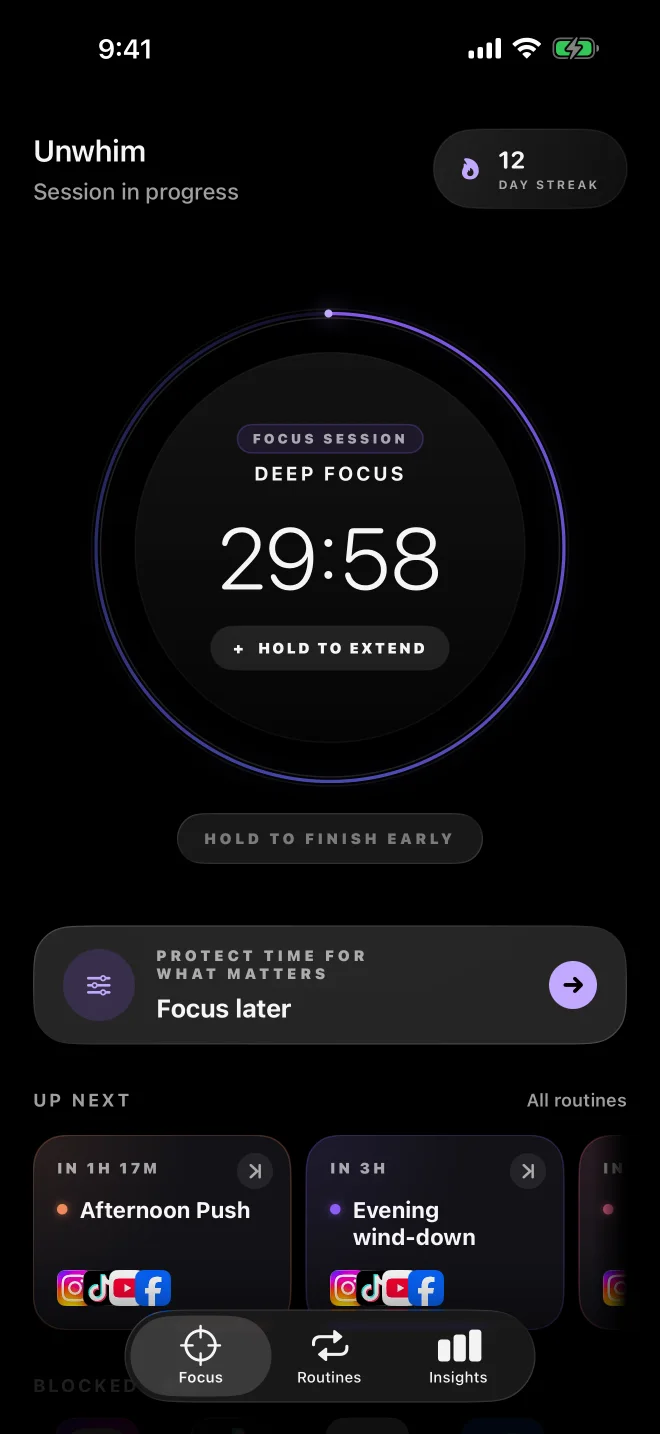
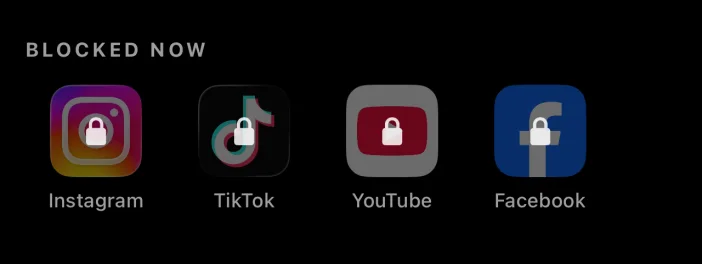
You know the pattern: one message, one notification, one app — then a scroll you never meant to start.
“Just checking” turns into another feed, another reel, and another twenty minutes gone.
You sit down to work or study, but every small impulse pulls you out again.
You meant to read, sleep, work, or be present. Your phone offered something easier.
The problem isn’t that you never make plans. It’s that distractions are always one tap away.
When you reach for a protected app, Unwhim breaks the automatic loop before it begins.
Instead of opening Instagram, Unwhim meets you first.
Most impulses pass. A brief pause gives them time to.
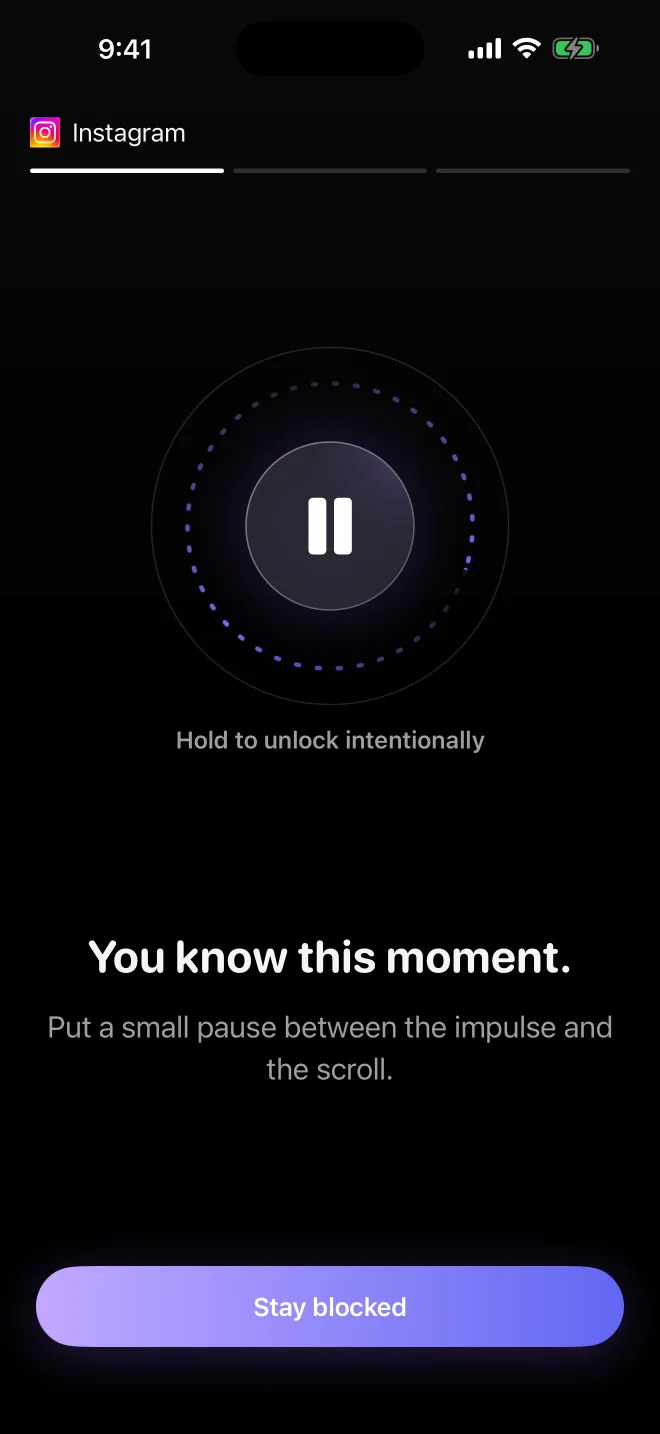
If you still want in, keep holding instead of slipping through on reflex.
One tap closes the moment and leaves the distracting app blocked.
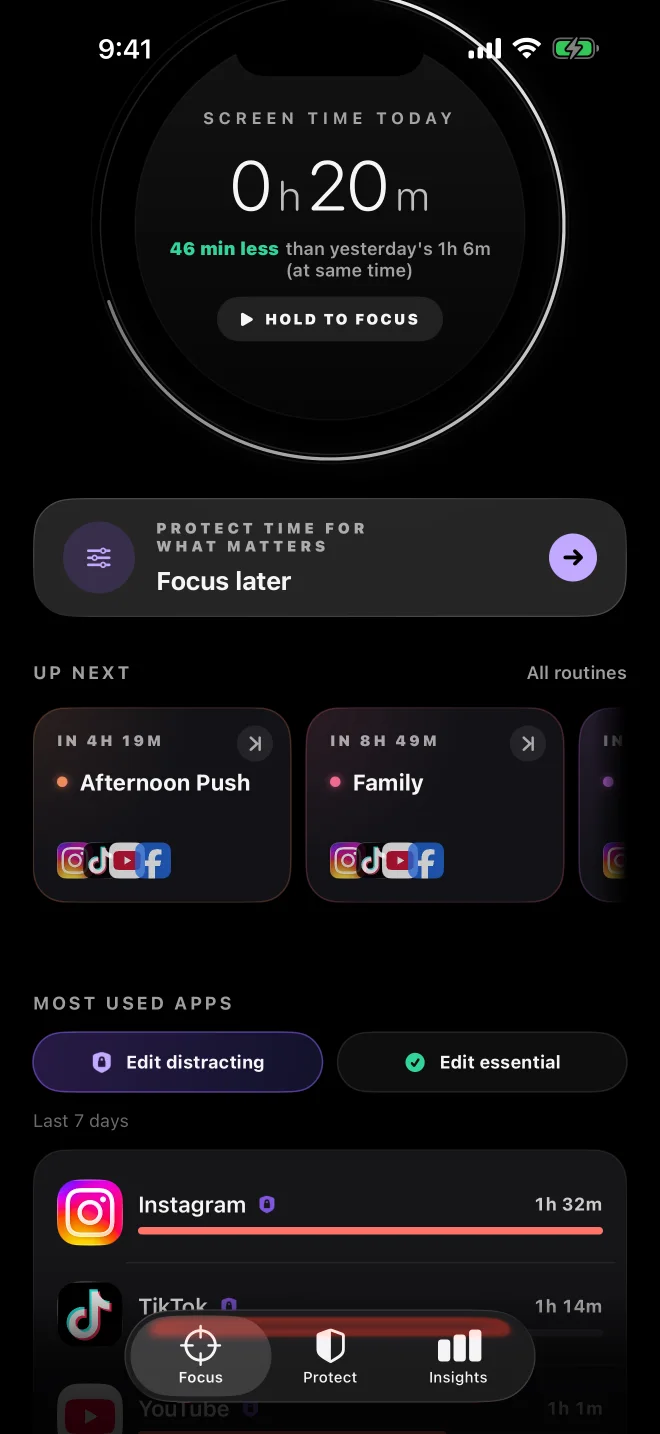
Start a focus session in one action. Distracting apps stay blocked until it ends, while essential apps remain available.
Create routines for the parts of your day you want to protect consistently. When the routine begins, selected distractions are blocked automatically.
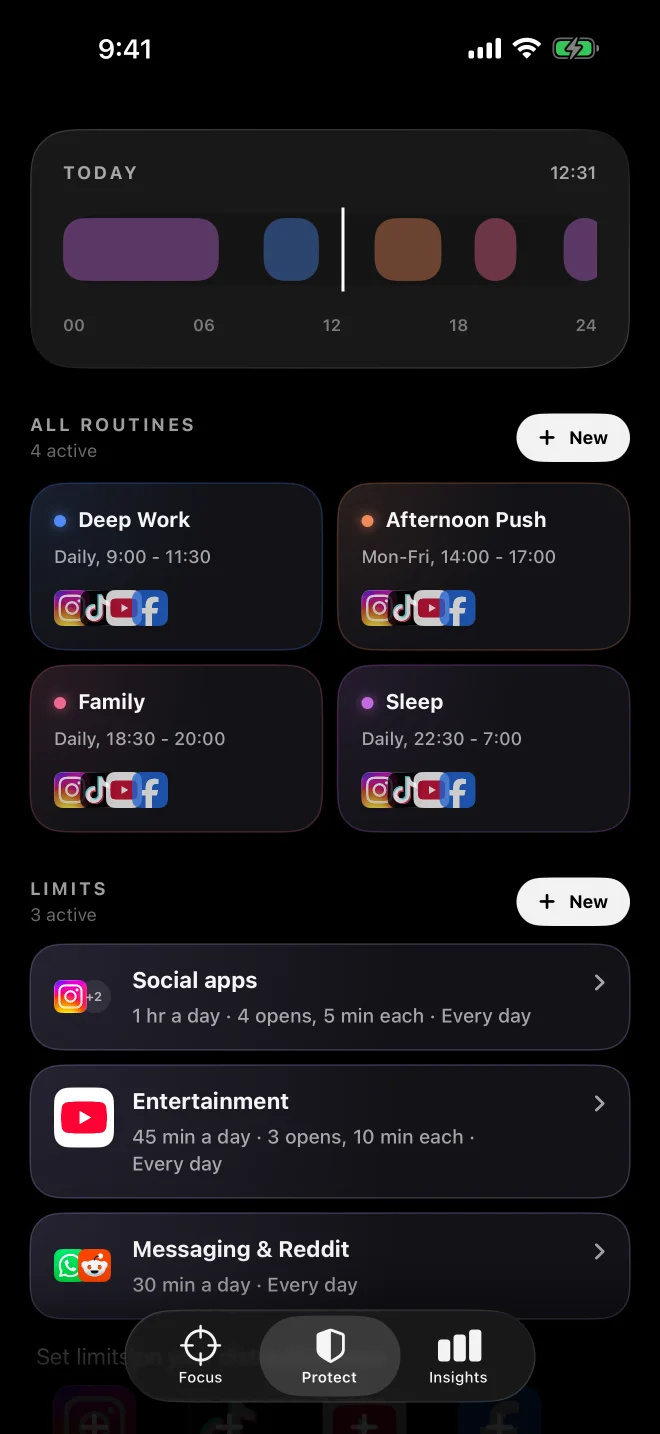
Not every distracting app needs to disappear completely. Set daily time limits, open-count limits, or short intentional access windows.
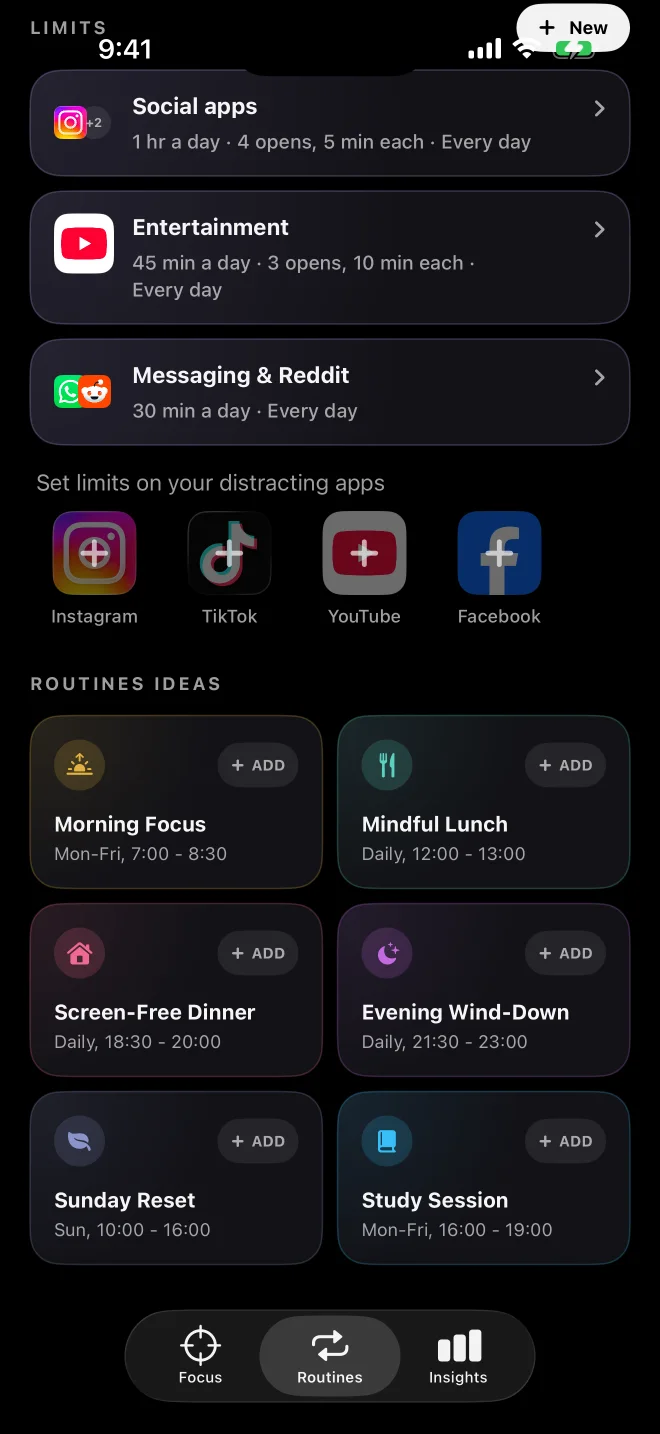
Routines protect what repeats. Focus Later protects the one thing you need to finish today — while the intention is still clear.
Need to write a proposal at 4 PM? Schedule the focus block now, before the moment arrives.
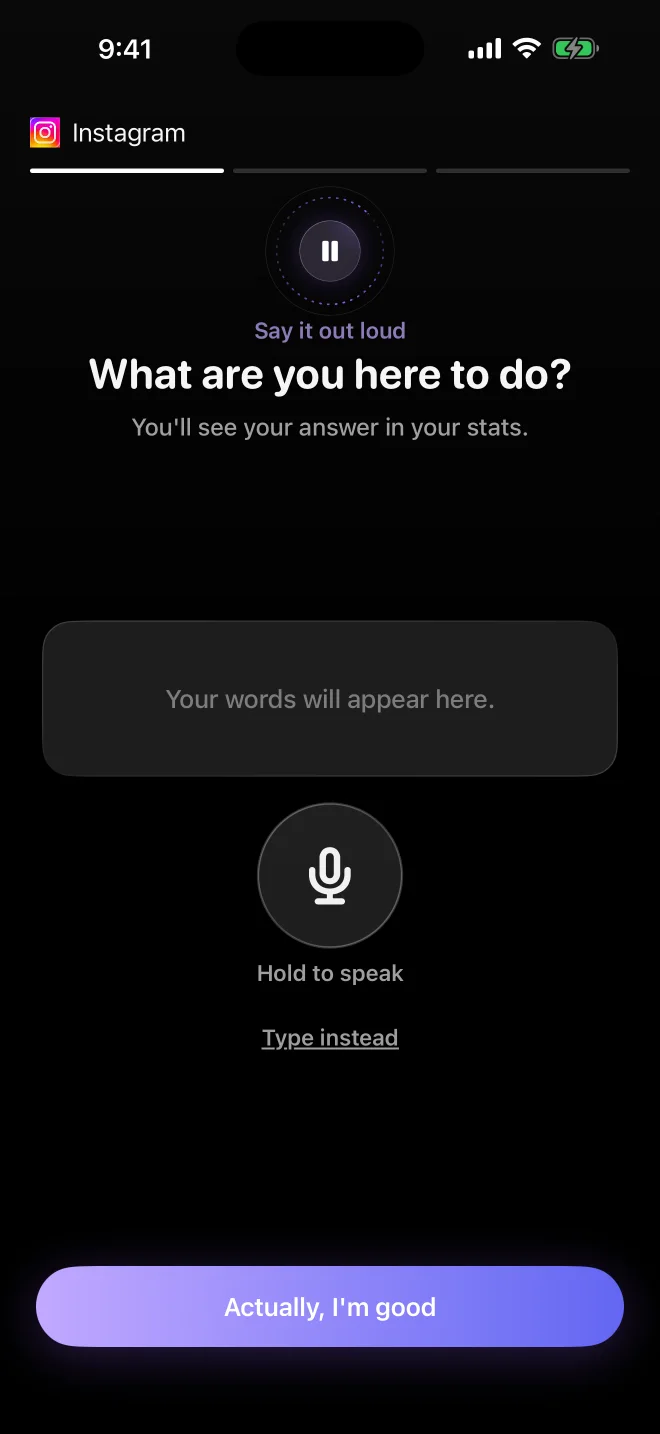
Sometimes you genuinely need access. Before unlocking, Unwhim asks what you are there to do. Your answers become part of your stats, making repeated habits easier to notice.
What felt like twenty different reasons may turn out to be the same impulse repeated all week.
Not everything should disappear during focus. You choose what stays within reach.
Maps, banking, authenticator apps, music, and messages from family can remain accessible while distractions stay protected.
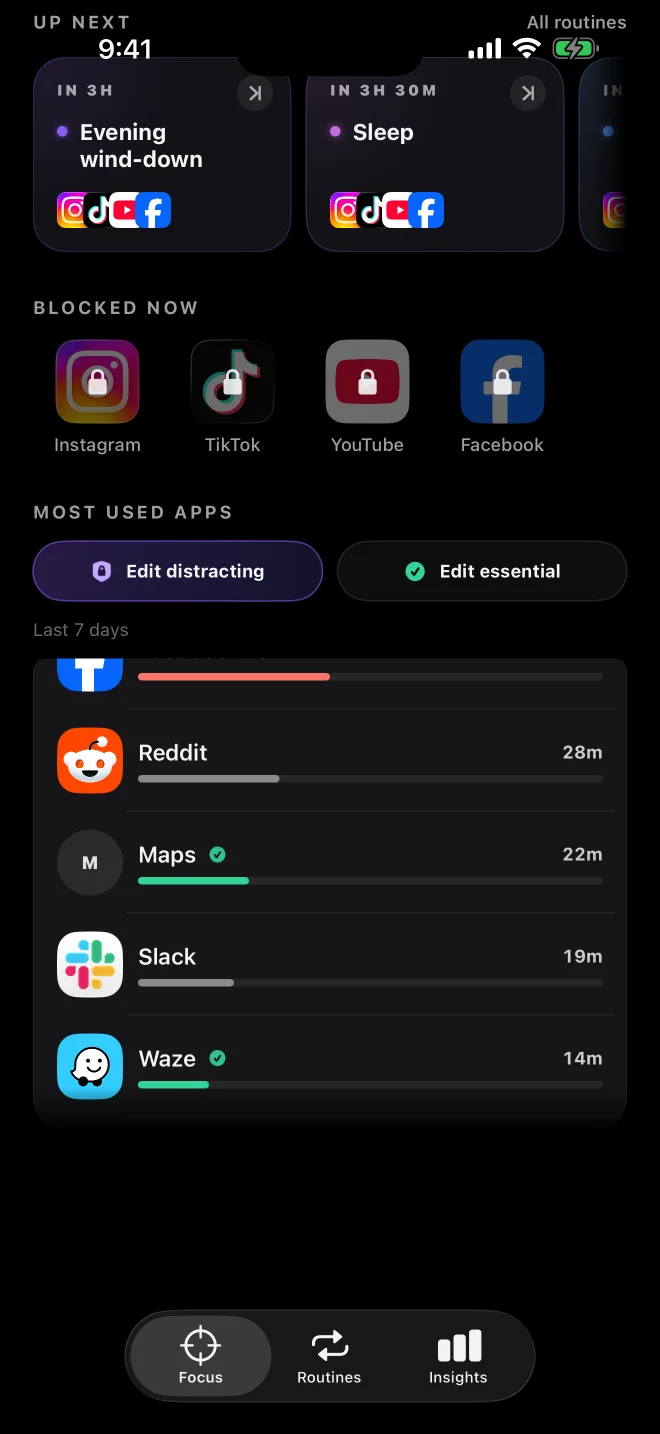
Unwhim uses Apple’s Screen Time controls to monitor and block the apps you choose. Personal app usage and browsing data does not leave your device.
Less time lost to reflex. More time left for what you meant to do.
Choose your distracting apps, start focus, and let Unwhim protect the time you planned.